Audits and Inspections Software

Digitise and Streamline Fire Safety Reporting with ease

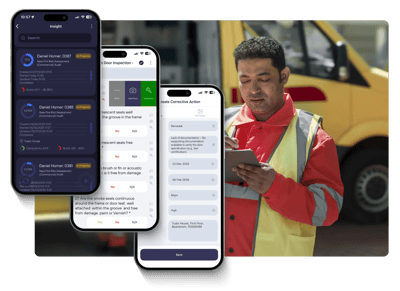
Streamline your fire safety inspections with a seamless mobile data capture application, maintain an accurate fire door asset register and improve compliance and fire safety reporting.

mobiess_fire_safety_software
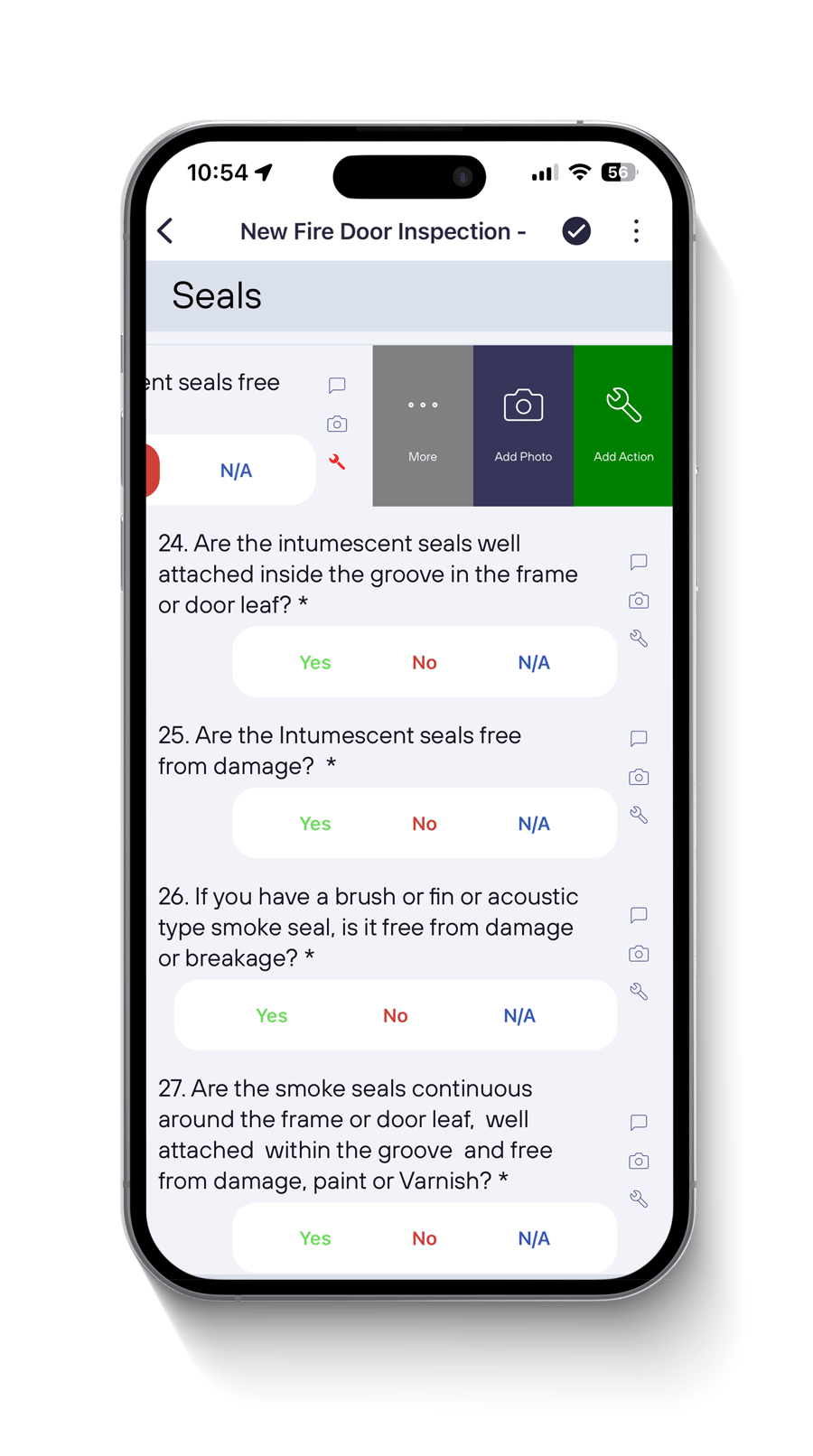
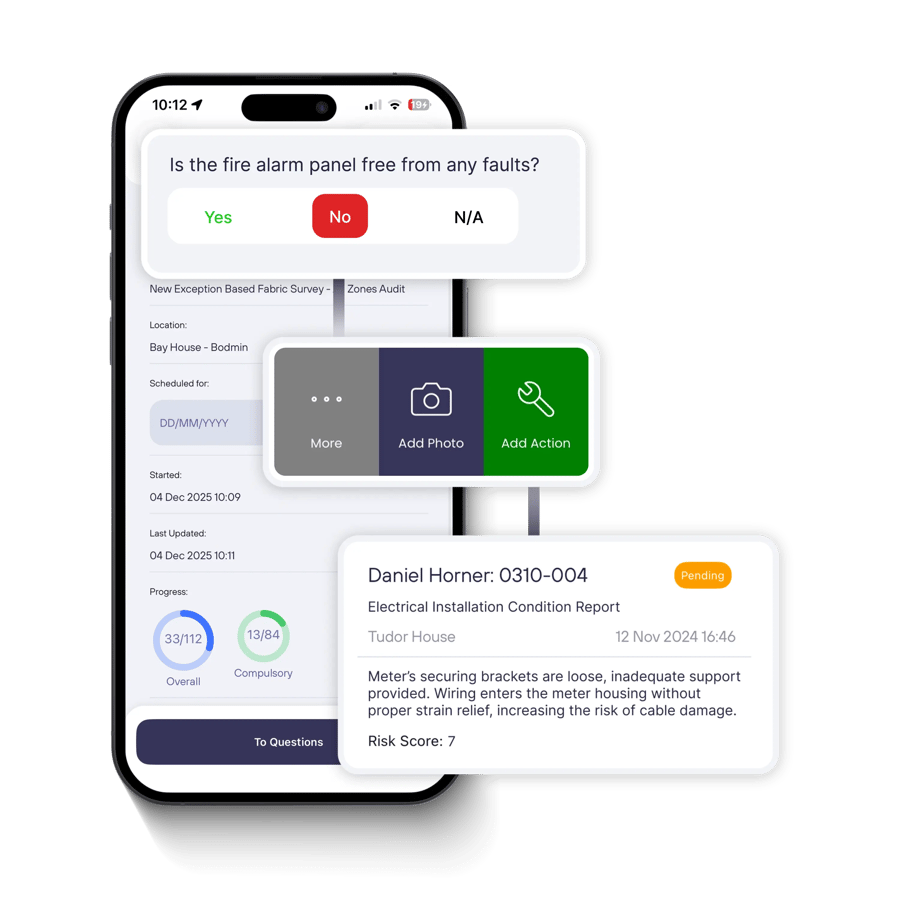
mobiess fire door inspection - actions and photos
Fire Door Inspection Template

Scalable and reliable fire door inspection software

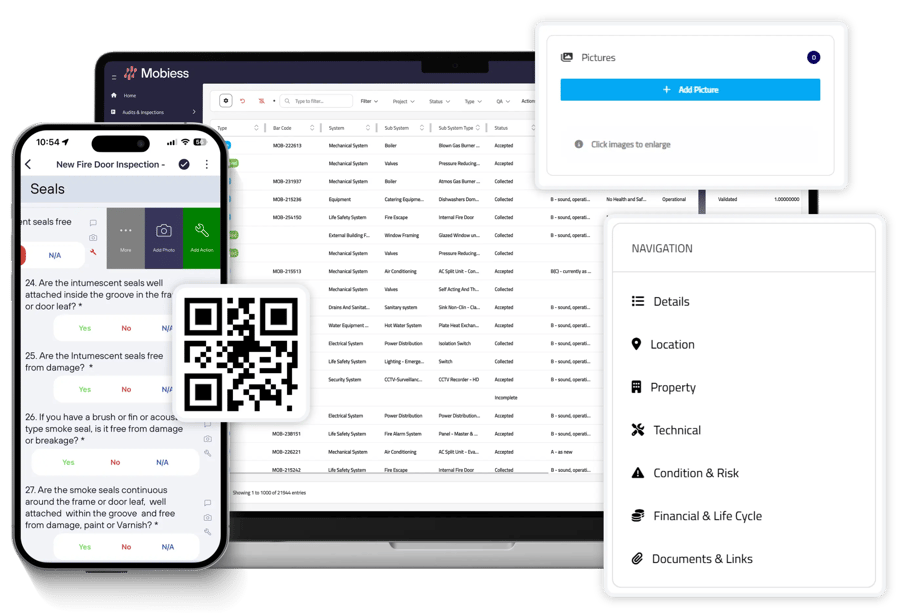
Treating each individual door as a unique asset record, with a unique reference per door, allows for a more accurate fire door register to be maintained and will ensure accurate data with no duplicates.

As well as being an inexpensive replacement for time-consuming manual methods such as pen and paper, implementing QR codes / barcodes onto your fire doors and using Mobiess will allow you to retrieve the assets attribute data upon re-inspection (such as client, building, floor, glazing, height, width, finish to frame, and finish to leaf), in a matter of seconds.

Through assigning an inspection to a door, this allows you to view its history on our web-portal, building up an audit trail and creating an accurate fixed asset register.

Fire Door Inspection Template

Build and maintain high quality fire door asset registers

Mobiess provides a structured approach to tagging and coding assets, allowing you to treat each door as an individual asset, see the history and survey trail of every door, and build a detailed real time asset register per client and per site.

Collect fire door data faster, and with a greater level of consistency and quality.

Reduce the need for error-prone and time-consuming spreadsheets. Take a strategic and analytical approach to your fire door asset management.

mobiess_fire_door_register
fire_risk_assessment_software
Fire Risk Assessment template

Improve productivity, speed and quality of your fire risk assessments

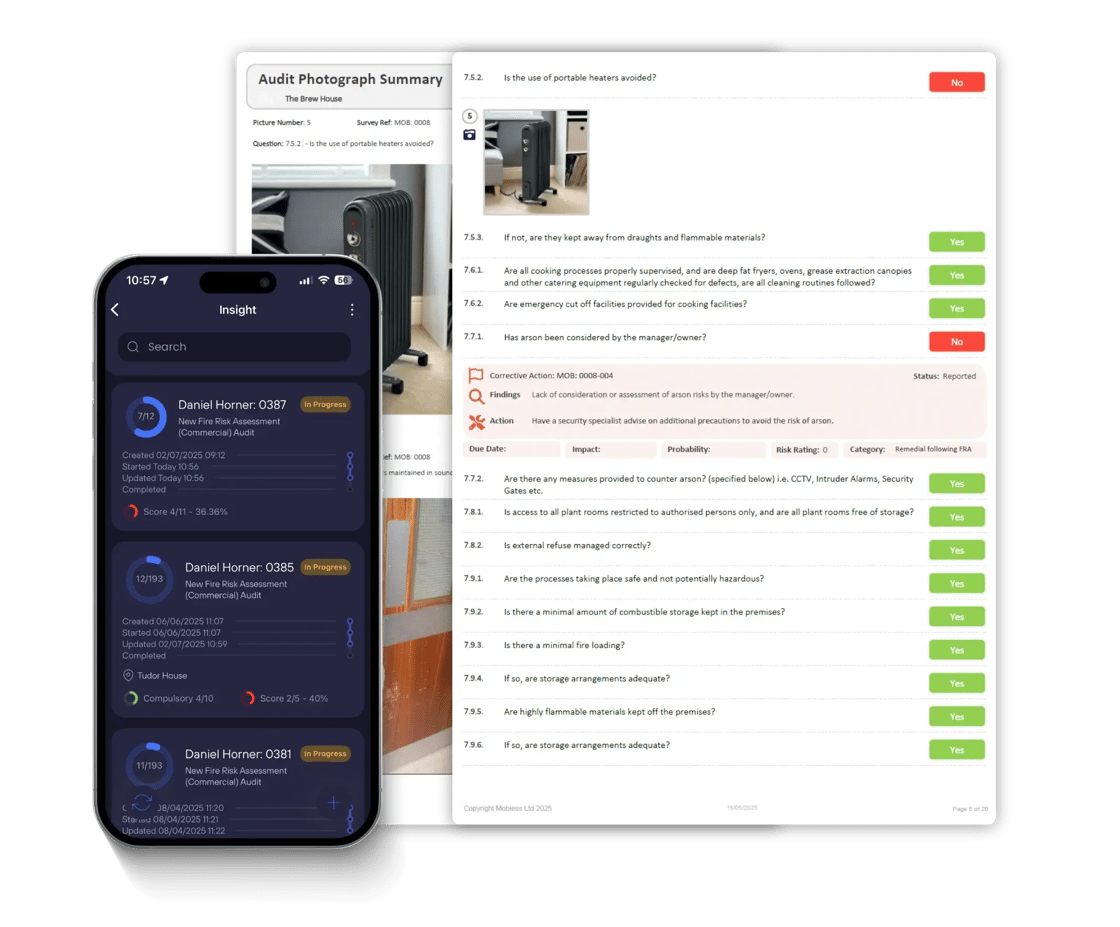
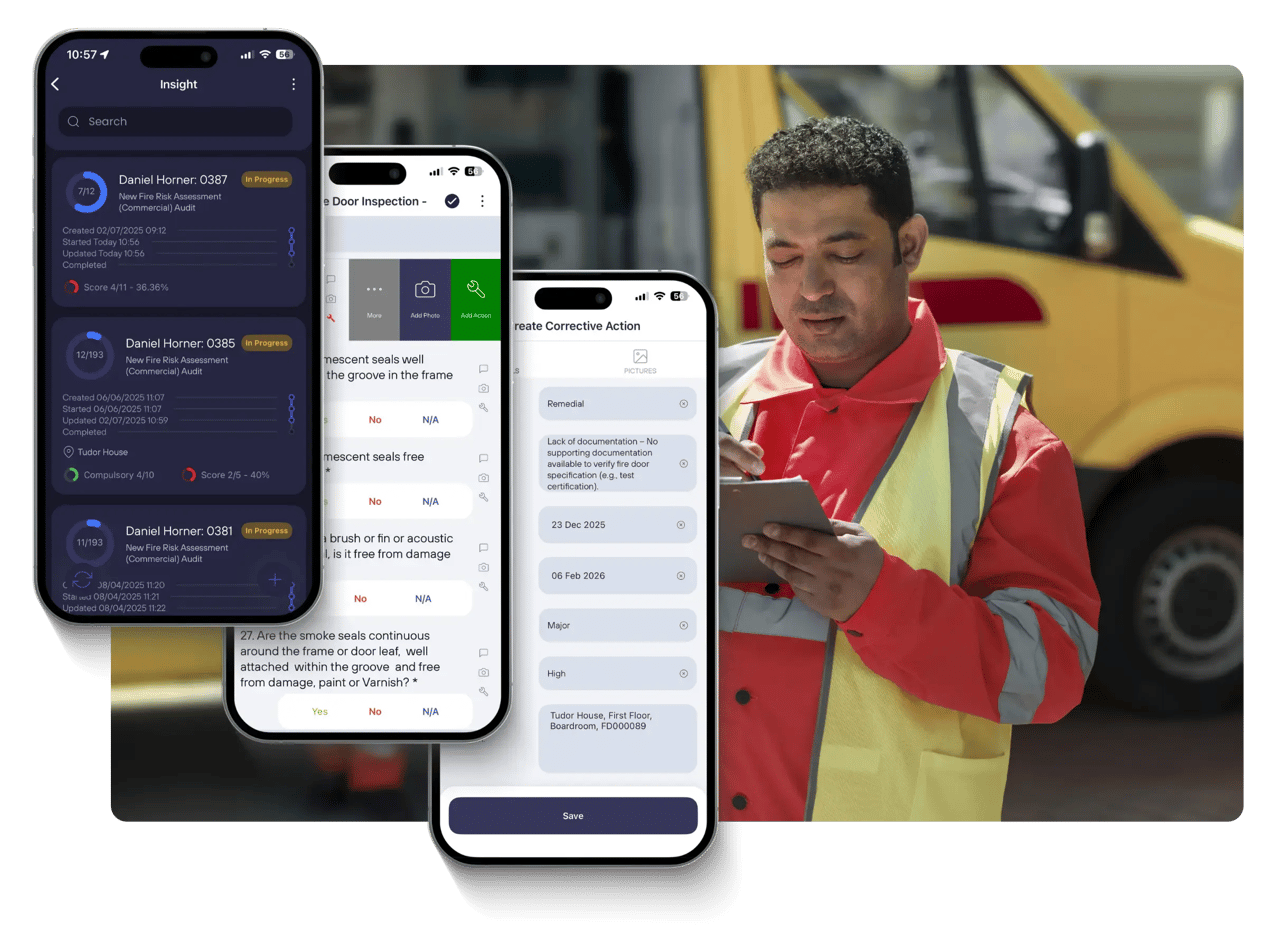
Our easy-to-use fire risk assessment software allows you to accurately and efficiently carry out full PAS 79-based Fire Risk Assessments on your mobile or tablet. 

Add full photographic evidence of any damage and automatically generate remedial actions.

Manage these legally required inspections in a consistent manner and streamline compliance and communication within your team. No more wasted time, money or effort - just the information you need, right there at your fingertips.

Fire Compartmentation Survey Template

Snag defects and log photos with our fire compartmentation software

Fire Compartmentation Surveys are one of the most effective ways of protecting lives and property from the hazard of fire. Whilst being a crucial tool for any facilities management team in order to comply with their legally required inspections, they also maximise the safety of the occupants.

Digitise your entire fire compartmentation survey with ease. Record the location and materials of all defects, barrier resistance and provide photographic evidence. Markup and annotate your photographs and give all parties involved compliance and peace of mind.

mobiess_safety_inspection_workflow
data_driven_action_logging
Actions

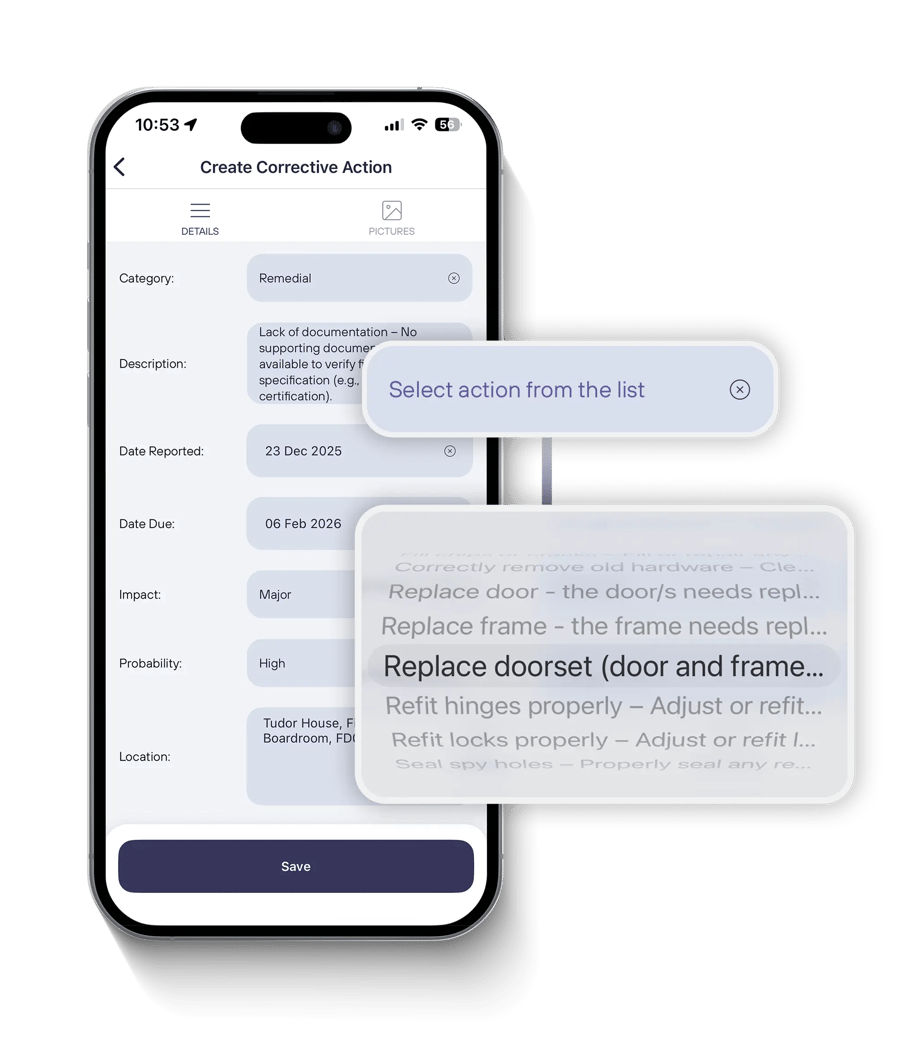
Prepopulated, data-driven action logging

Refine your action logging processes for increased productivity and comprehensive data collection across your Fire Risk Assessments, Fire Door Inspections and more. Configure prepopulated options for defect and corrective action logging, down to a per-question basis.

Create a consistent approach to the way your organisation collects fire door and fire risk assessment action data and defect data, ensure your inspections goes as smoothly as possible.

Prioritise your teams productivity and save time by helping them deliver inspections with ease, all whilst maintaining the high service quality expected.

Core features of our fire safety software

Customise inspection templates

Fully customise and build inspection templates to suit your requirements. Ensure that no data is left out, be it question answers, pictures or actions, through mandatory logic and hide or show relevant sections and questions.

Advanced scoring and logic

Drive efficiency with hide and show logic and the ability to mandate actions, pictures or notes dependent on question answers.

Log and manage actions

Log and score actions in the field with ease. Drive logic that makes an action compulsory based off question answers. Use self-configurable data-driven picklists on the mobile app and make manually writing out actions a thing of the past.

Log photographs and capture evidence

Log photographic evidence and additional supporting information. Fully mark up and annotate photos, highlighting any issues captured during your inspections.

Reporting and analytics

Report on what really matters - from building and project reporting, to asset-specific reporting. Branded PDF reports, evidence summaries, excel exports or data integration - you name it!

Designed for integration

Mobiess specialises in providing you and your organisation the data you need, in whatever format needed. From standard CAFM and IWMS integrations to custom web APIs and gateways into data lakes for BI reporting.

Your data, your decisions

View various types of reports and real-time dashboards in our web-portal to analyse trends. From a detailed report per individual fire door, to building based reports displaying data collected from all fire doors in a specified building over a time frame.

Mobiess has been a key part of how we've really enhanced our services over the last several years.

Tom Stallard
Head of Technical Services

We use Mobiess to deliver over 80+ different types of inspections and servicing checks.

Paul Whetton
Operations Director

Any form of field-related data capture goes through Mobiess. It's been a game changer for Skanska.

Jonathan O'Neill
Head of CAFM Solutions

Start the conversation

Watch Mobiess in action at Skanska UK, or book a personalised demo with a solution expert.

Latest Resources

Bellrock Technologies is a leading voice in prop tech. Browse our latest news, trends, and customer stories.

art-con-pho-000_inspection_oxford_june25
mobiess_skanska_compliance_management
customer story

Skanska UK

Skanska chose Mobiess to transform how they capture data, from audits and inspections, to asset surveying, lifecycle management and work order management.

fire-compartmentation-survey-blog-image-1280
brochure

Mobiess: Fire Safety Brochure

A guide to fire safety compliance how Mobiess streamlines fire door inspections, fire risk assessments, compartmentation surveys and other reporting.
Frequently Asked Questions

What is inspection management software?

Inspection management software are digital platforms that streamline all aspects relating to the planning, delivery and reporting of audits and inspections, replacing paper-based processes.

What is inspection management software?

Inspection management software are digital solutions that streamline all aspects relating to the planning, delivery and reporting of audits and inspections, replacing paper-based processes. They enable teams to capture data in the field, identify issues, log actions and take photos to evidence compliance in real-time. Organisations use inspection software to improve data accuracy, save time, reduce admin costs, and standardise auditing and inspection reporting across their sites and teams.
How can inspection reporting software improve business efficiency and compliance

By completely eliminating paper-based or manual methods of data collection, inspection management software enhance operational efficiency, reduce human error, and automate reporting.

How can inspection reporting software improve business efficiency and compliance

By completely eliminating paper-based or manual methods of data collection, inspection management software enhance operational efficiency, reduce human error, automate reporting and utilise clear audit trails to support regulatory compliance and improve overall service quality.

Can inspection software be customised for my organisation's requirements?

Yes, Mobiess' inspection management software can be fully customised to meet your organisation's specific requirements. Design your own mobile data collection form templates to meet any industry regulations, end-client needs or project requirements.

Can inspection software be customised for my organisation's requirements?

Yes, Mobiess' inspection management software can be fully customised to meet your organisation's specific requirements. Design your own mobile data collection form templates to meet any industry regulations, end-client needs or project requirements.  With support for all common data entry types, from radio buttons and textboxes, to data-driven picklists, ensure that you create all the customised forms your organisation needs, integrating intuitive logic to hide and show fields, add notes, pictures or actions against any fields.

What are the key features I should look for in audit and inspections software platforms?

Most inspection software systems should include features such as customisable form builders, hide and show logic for rules-based data collection, photo and signature capture, real-time dashboards and analytics, automated report generation, and offline access.

What are the key features I should look for in audit and inspections software platforms?

Most inspection software systems should include features such as customisable form builders, hide and show logic for rules-based data collection, photo and signature capture, real-time dashboards and analytics, automated report generation, and offline access. Mobiess also specialises in integration, agnostic of master system - to flow data into the right place and platform to empower teams to make data-driven decisions.

Get started with Mobiess

Speak to our team and see how Mobiess can streamline your data capture and reporting processes through our dedicated mobile inspections, asset and work order management platform.

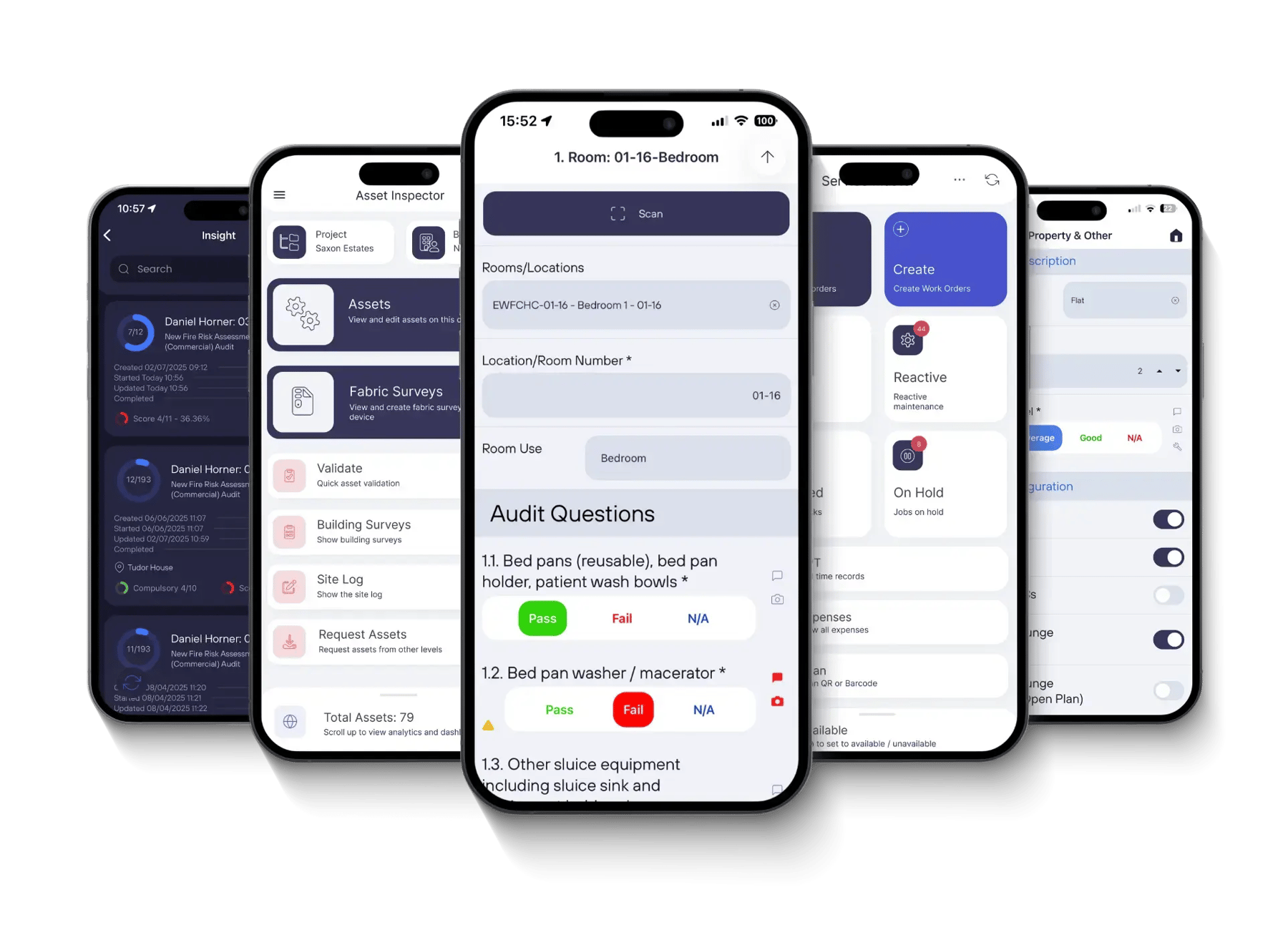
mobiess_workforce_platform